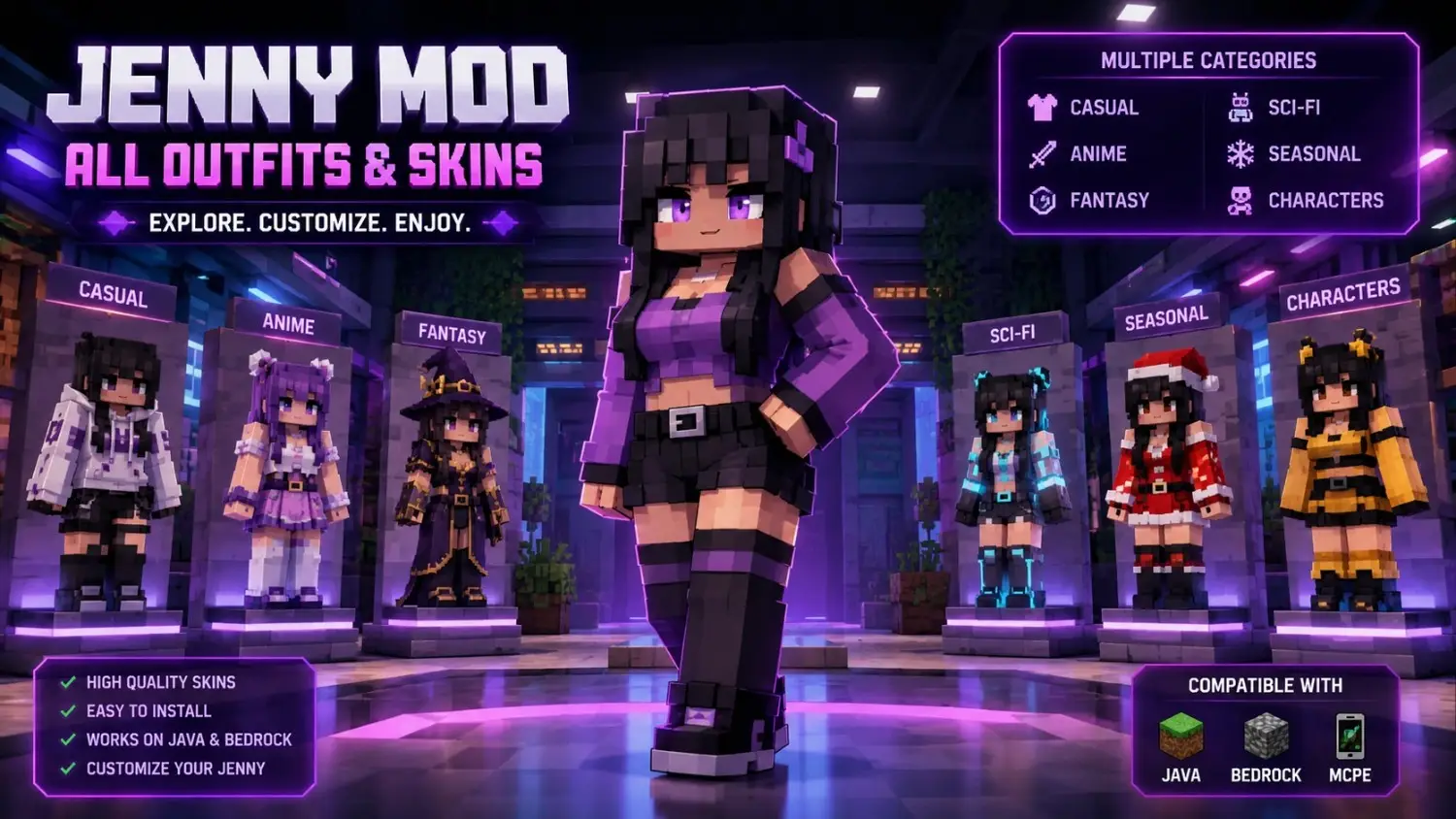
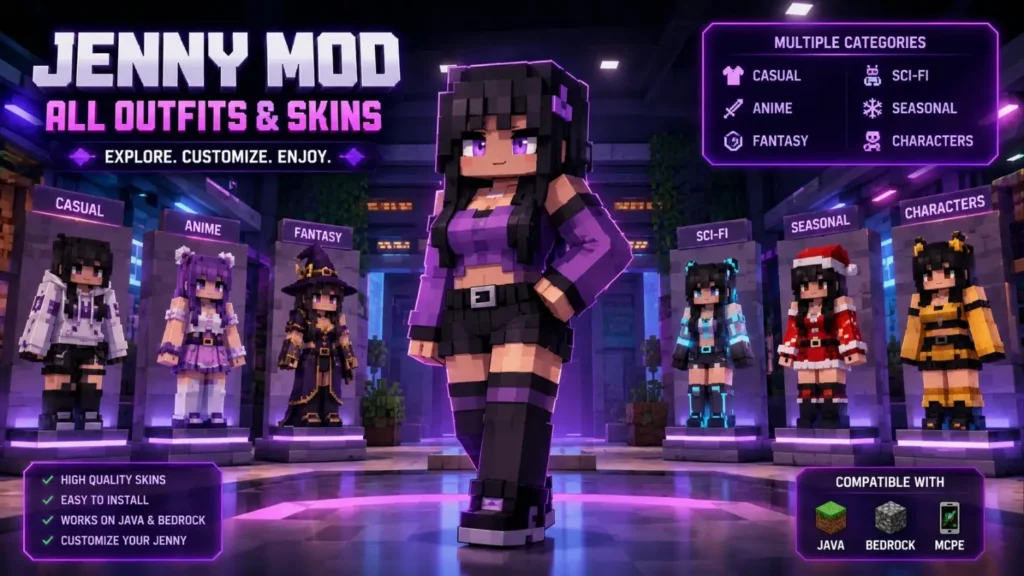
Jenny Mod Skin – All Available Outfits & Skin Packs
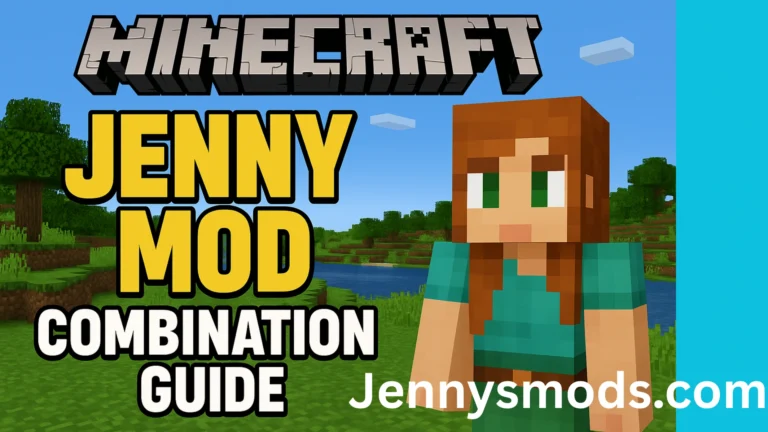
Playing with the same Jenny Mod look every session gets old fast. The good part is that you can swap her outfit in a few minutes. This page lists every Jenny Mod skin and outfit in one place, sorted by category, so you find the right look without endless scrolling. You also get the correct install steps for Java, Bedrock, and MCPE, plus a safe place to download.
I tested each install method myself. The steps below work, and I will tell you where most guides get them wrong.
Let’s give your Jenny a fresh look.
Skins vs. Models – Know the Difference First
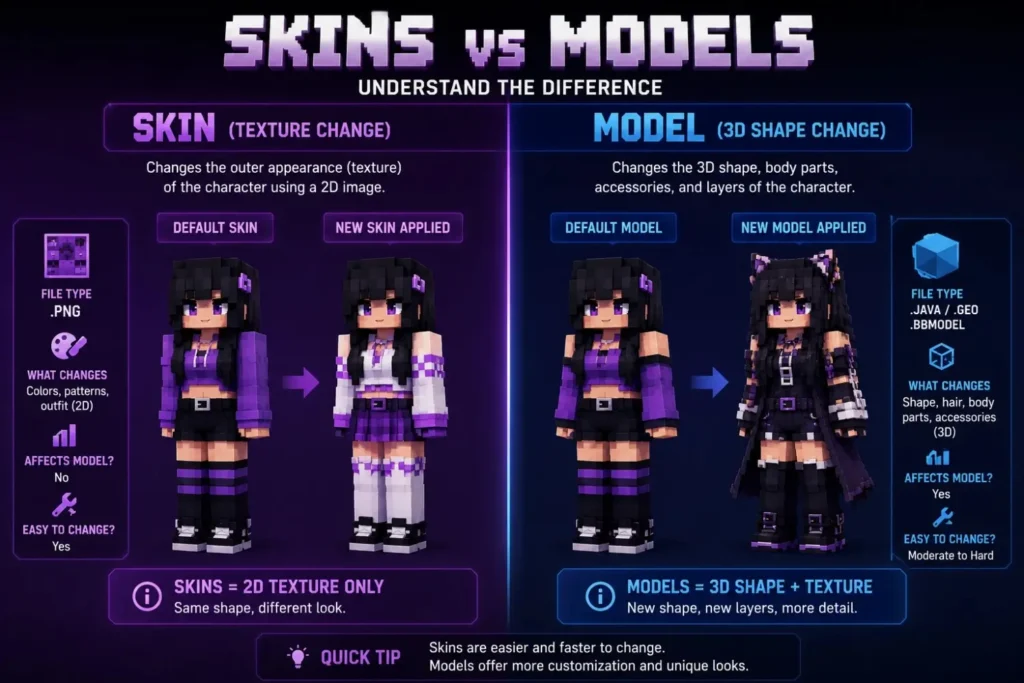
Players mix these two up all the time. They are not the same, and they do not install the same way.
What a Skin Is
A skin is a flat 2D image wrapped around the character. Picture new clothes painted onto the body. The shape stays the same, only the outfit changes. Skins use a simple .PNG file. This is the fastest way to give Jenny a new style, and it needs no extra tools.
What a Model Is
A model changes the actual 3D shape. It can add real hair that sticks out, 3D ears, hats, tails, or a full new body form. Models look richer, but they take more setup.
Here is the quick side-by-side:
| Feature | Skin | Model |
|---|---|---|
| What it changes | Surface look (outfit only) | Full 3D shape and details |
| File type | .PNG | .jar, .mcpack, or .zip |
| Install spot (Java) | Skin slot / texture file | mods or resourcepacks folder |
| Difficulty | Easy | Medium |
| Best for | Quick outfit swaps | Full character redesign |
Start with skins if you just want a new outfit. Move to models when you want 3D hair and accessories.
All Available Jenny Mod Skins & Outfits (Full List by Category)
This is the part most guides skip. They show a few models and forget the outfits. Below is the full skin list, grouped by style. Pick a category, find a look, then jump to the install steps. you can also visit How to Add Custom Skin to Jenny Mod
Casual & Everyday Outfits
Simple, natural looks for survival worlds and daily play.
- Classic default outfit (upgraded textures)
- Streetwear and modern casual
- Hoodie and jeans set
- Summer and beachwear
- Goth casual with a flower detail
Anime-Inspired Skins
The most popular group by far. These copy famous anime styles.
- Schoolgirl uniform
- Bunny girl outfit
- Fox girl (Senko San style) with fluffy ears
- Catgirl / neko look
- Chainsaw Man (Asa) school uniform
- Demon Slayer (Mitsuri) braided look
Fantasy & Magical Outfits
Built for themed maps and roleplay worlds.
- Witch and mage robes
- Fairy and elf dresses
- Genie outfit
- Gothic frilly dress
- Celestial and moon-themed looks
Seasonal & Holiday Costumes
Match Jenny to the time of year.
- Christmas elf with Santa hat
- Halloween / spooky pirate maid
- Easter and spring pastel looks
- Winter snow gear
Sci-Fi & Futuristic Looks
Bold designs for modern and space builds.
- Cyberpunk neon style
- Robot and android look (NieR 2B style)
- Space suit outfit
- AI companion with pigtails
Character-Based Skins
Turn Jenny into other known characters from the mod or fan favorites.
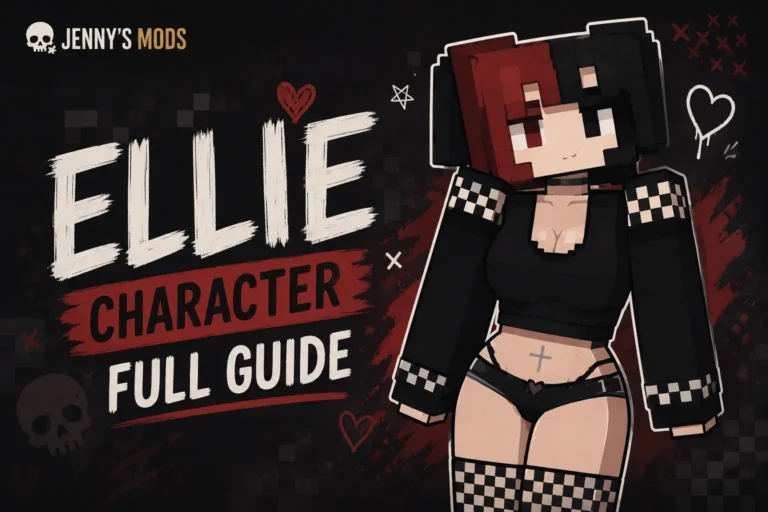
- Ellie
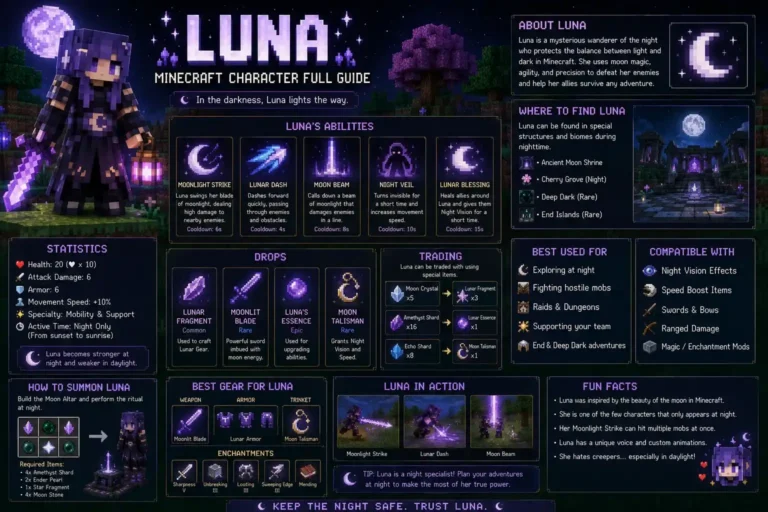
- Luna
- Allie
- Bee Girl
- Kobolds
Quick Outfit Reference Table
| Outfit Name | Style | Best For | Works On |
|---|---|---|---|
| Schoolgirl | Anime | Roleplay worlds | Java, Bedrock |
| Bunny Girl | Anime | Fun builds | Java, MCPE |
| Fox Girl | Anime | Cute companion look | Java, Bedrock |
| Witch Robe | Fantasy | Themed maps | Java, Bedrock |
| Christmas Elf | Seasonal | Winter events | All editions |
| Halloween Maid | Seasonal | Scary maps | Java |
| Cyberpunk | Sci-Fi | Modern city builds | Java |
| Luna | Character | Mystic worlds | Java, Bedrock |
This table is built to scan fast. You see the style, the best use, and the edition support in one row.
Jenny Mod Skin Packs (Get Many Outfits at Once)
A skin pack is a bundle of many outfits in one file. Instead of hunting for each outfit one at a time, you get a full set ready to use.
Why a pack beats single skins:
- You save time. No searching for each new outfit.
- You switch looks fast. Pick a different outfit for each biome or mood.
- Everything stays sorted. One folder, all your styles.
Single skins are fine when you want one exact look. A pack wins when you like to change Jenny’s style often.
How to Install Jenny Mod Skins & Outfits (Correct Steps Per Edition)
This is where most guides go wrong. They tell you to drop everything in one folder. That works for some packs, but not all. Skins and models can install differently. Use the right steps for your edition below.
Java Edition
Java gives you the most control and the cleanest results.
- Download the skin
.PNG(or the model file). - Open your Minecraft game folder.
- For a skin texture, replace the file in the mod’s
textureslocation, or load it as a resource pack in theresourcepacksfolder. - For a 3D model, place the file in the
modsfolder. You need Forge installed first. - Restart Minecraft.
- Turn the pack on in your game options.
Bedrock Edition
Bedrock uses Add-Ons, not manual folders.
- Download the
.mcpackor.mcaddonfile. - Tap or double-click the file. Minecraft opens and imports it on its own.
- Open your world settings.
- Apply the pack under Resource Packs.
- Load your world to see the new look.
Pocket Edition / MCPE (Mobile)
Mobile customizing is possible. It just takes a little more care than the competition admits.
- Download the skin file to your device.
- Open it with Minecraft, or use a tool like BlockLauncher if the file needs it.
- Import the file into the game.
- Apply it from your skin or pack options.
- Restart the app if the skin does not appear right away.
Install tip: Always use .PNG at 64×64 or 128×128. Wrong sizes cause invisible or broken textures. Restart the game after every change so it loads cleanly.
Where to Download Jenny Mod Skins Safely
Safe downloads matter more than most players think. Bad files cause broken textures, crashes, or malware on your device. Many guides send you to random third-party sites they do not control. That is a risk.
Follow these safety rules:
- Download only from trusted, checked sources.
- Back up your original game files before you swap anything.
- Avoid unknown third-party tools and sketchy pop-up links.
- Confirm the file is a real
.PNG,.jar,.mcpack, or.mcaddonbefore you open it.
You can download all the skins safely from our own download page. The files are hosted and checked here, so you skip broken textures and unsafe redirects.
How to Make Your Own Jenny Mod Skin
Cannot find the exact outfit you want? Make your own. It is easier than it looks.
Free tools that work well:
- NovaSkin – simple online editor, loads Jenny’s body for you.
- PMCSkin3D – good for a live 3D preview.
- GIMP – for detailed, advanced edits.
Quick steps:
- Open a skin editor.
- Start from Jenny’s default template so the layout lines up.
- Paint your outfit and pick your colors.
- Export as a
.PNGat 64×64 or 128×128. - Install it using the steps above.
Save a few versions for different moods or seasons. A custom skin also makes your world one of a kind, since no one else has that exact outfit.
Frequently Asked Questions
What size should a Jenny Mod skin be?
Use .PNG format at 64×64 or 128×128. These match Jenny’s model and prevent visual bugs.
Do skins work on both Java and Bedrock?
Yes, but the process differs. Java uses Forge and .jar or texture files. Bedrock uses Add-Ons in .mcpack or .mcaddon format.
Can I use multiple outfits and switch between them?
Yes. A skin pack stores many outfits at once, so you can swap looks whenever you want.
Why is my Jenny Mod skin not showing or looking broken?
Check the file size and format first. A wrong size or a non-PNG file is the most common cause. Restart Minecraft after installing so the texture loads.
Will a 3D model slow down my game?
Usually not. If your device runs normal Minecraft fine, most models work fine too. Very detailed models may lag on older, low-power devices.
Can I use these skins on my phone or tablet?
Yes, with care. Skins import well on mobile. Some heavy 3D models are built for PC and may glitch on mobile, so stick to skins or mobile-ready packs there.
Are Jenny Mod skins free to download?
Yes. Most skins and packs are free. Just download from safe, trusted sources every time.
Final Thoughts
A new outfit makes Jenny feel fresh again. You now have the full list of available skins by category, a fast reference table, the safe way to download, and correct install steps for every edition. Pick a style, follow the steps for your version, and enjoy the new look.