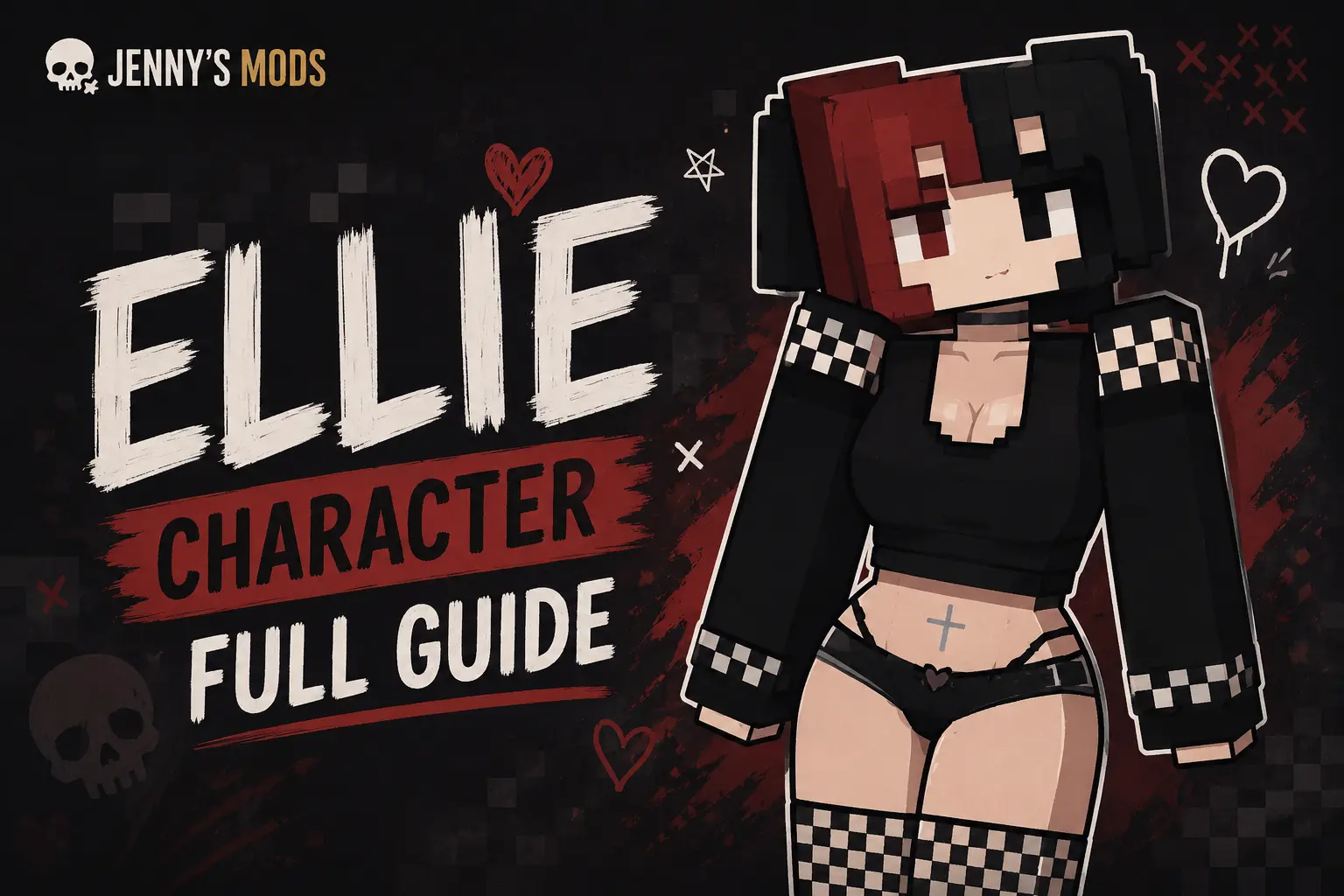
Ellie Character Full Guide
What Is the Ellie Character?
Ellie Character Full Guide: The Ellie Character appears in the Minecraft modding scene as a companion-style NPC tied to the Ellie Mod. Players who install this mod expect Ellie to act as a friendly helper or interactive girlfriend-type mob, rather than a default Minecraft mob. The character often appears in Bedrock-style Ellie Addons for Minecraft Pocket Edition and some PC-compatible builds. This guide sticks to facts, practical use, and safety, not hype. Ellie is fan-made, not official Mojang content, and her behavior depends on the specific Ellie Addon version you download.
If you already use Jenny Mod on your device, you can treat Ellie as a lighter, simpler companion to the more complex Jenny Mod characters featured on this site.
Why Players Care About Ellie Character
Players search for “Ellie Character” because they want:
- A clearer idea of what Ellie actually does in‑game.
- Whether Ellie is safe for kids or teens.
- How Ellie compares to other companion mods like Jenny Mod.
- Step‑by‑step help setting her up.
Many existing guides either oversell the experience or skip critical safety and performance trade‑offs. This article fills those gaps with real‑world‑style usage notes instead of marketing fluff. You can compare Ellie’s role with Jenny Mod’s full‑fledged companion system in our Jenny Mod vs Ellie Mod breakdown.
Ellie Character in the Jenny Mod Ecosystem
Ellie as a Jenny‑Style Companion
Ellie fills a niche similar to Jenny Mod’s characters, but with fewer systems attached. Where Jenny Mod offers deep roleplay, relationships, quests, and animations, Ellie typically provides: you can also learn about Luna Character Full Guide
- A single companion NPC with simpler behavior.
- Basic dialogue or interaction cues.
- Light combat or protection mechanics.
If you enjoy Jenny Mod’s gameplay but want something lighter on older devices, Ellie can serve as a companion‑style alternative.
Ellie as an Alternative to Jenny
Our Top 5 Jenny Mod Alternatives post already lists Ellie‑style packs among the options for players who need a simpler setup. Ellie fits there as a low‑complexity, companion‑focused mod that adds a human‑style NPC without the full Jenny‑style structure. This lets you keep your install lean while still enjoying a character‑driven experience.
Who Is Ellie Character in Minecraft?
Ellie as a Mod‑Based NPC
Ellie is not a built‑in Minecraft character like Steve or Alex. Instead, she is a mod‑added NPC that appears only when you install an Ellie‑themed pack or addon. The exact look and behavior change depending on:
- The version of the Ellie Addon (1.20, 1.21, older builds).
- The pack type (Bedrock .mcaddon, Java‑style resource‑behavior pair, or an all‑in‑one installer).
On many hosting sites, Ellie is described as a “cute girl friend” or “companion mob” that spawns in forests or jungles and can follow or assist the player. Compare this to Jenny Mod characters, who tie into relationships and quests; Ellie is more like a one‑track companion.
Ellie Character Features and Behavior
Core Gameplay Features
Most Ellie Addons give her the following traits:
- Companion mechanics: Ellie can follow the player, defend you from some mobs, or stay close in a safe zone.
- Dialogue‑style behavior: Some versions trigger simple text‑based or audio‑style lines when you interact with her.
- Custom spawn areas: Ellie often appears in dark‑wood forests, jungles, or near custom‑marked structures in the world.
- Relationship‑style elements: Players report “friendship” or “trust”‑like systems where repeated interaction increases her responsiveness.
These features mirror the structure of Jenny Mod characters, but Ellie‑style packs usually ship with fewer quests and systems, which makes them lighter and easier to run on weaker devices.
What Ellie Character Cannot Do
Ellie is not a miracle fix for:
- Performance issues: Addons still add ticks, entities, and textures that can slow down older phones or low‑end machines.
- Server‑side enforcement: Multiplayer servers can still ban or block Ellie‑style content if it violates their rules.
- Kid‑safe guarantees: Many Ellie Addons flirt with NSFW framing, even if they don’t show explicit models.
If you run into Jenny Mod–style stability problems, you may see similar behavior with Ellie, just on a smaller scale. Treat any heavily scripted companion NPC the same way: disable it first when troubleshooting crashes.
Ellie Character Safety and NSFW Considerations
Is Ellie Character NSFW?
Ellie Addons live in a gray zone:
- Some packs keep Ellie cartoon‑like and toned‑down, focusing on armor, skins, and simple interactions.
- Others lean into suggestive outfits, poses, or roleplay wording, which can trigger parental‑control tools or content filters.
If you’re using Ellie on a family device, school‑issued account, or network with strict filters, you should assume she may be flagged as questionable content. This matches the safety concerns we outline for Jenny Mod in our dedicated safety guide.
Ellie vs Jenny Mod Safety
Jenny Mod runs a full‑featured companion system with adult‑themed content, which is why it has been removed from stores like CurseForge.
Ellie Mod is often lighter and simpler, but it still:
- Introduces custom human‑like NPCs.
- Uses dialogue or animations that may not be kid‑appropriate.
So from a safety standpoint, Ellie is not automatically “safer” than Jenny; it just tends to be less complex and smaller in scope. Always pair either mod with the guidance in our Disclaimer section.
Ellie Character Install and Compatibility
Supported Versions
Ellie Addons target Minecraft Bedrock (MCPE) in recent versions such as:
- 1.20
- 1.21
- Sometimes older builds like 1.12.2
Always match the Ellie Addon page’s version number with your in‑game version. If the addon says “1.20.1 only,” don’t try to force it into 1.21. That breaks textures, behavior, or even the world loader. This is the same logic we use when updating Jenny Mod on different platforms.
Step‑By‑Step Ellie Addon Setup
Follow this workflow:
- Download the packs
- Get both the Behavior Pack and Resource Pack from a trusted Ellie‑Addon page.
- File extensions are usually
.mcpackor bundled.zipfiles.
- Open Minecraft Bedrock
- On your device, launch the game.
- Open the world where you want Ellie (or create a test world).
- Import packs
- Go to Settings → World Settings → Resource Packs / Behavior Packs.
- Tap Import and select the Ellie Resource Pack file.
- Repeat for the Ellie Behavior Pack.
- Enable packs and reload
- In the same world‑settings menu, enable both packs.
- Save and reload the world.
- If the pack demands Experimental Gameplay, turn it on there.
- Test Ellie spawn
- Walk into a forest or jungle area.
- If Ellie doesn’t appear, check whether the addon includes a spawn egg in Creative Mode.
- Use the spawn egg to bring Ellie into the world and confirm behavior.
If textures look broken or the bed‑like mesh vanishes, try reinstalling the packs or using a clean world without heavy addons. This mirrors the troubleshooting steps we recommend for Jenny Mod on iOS and other platforms.
Ellie Character Performance and Stability
Device Impact
Ellie Addons typically:
- Add one extra human‑style NPC with custom animations.
- Slightly increase render load (more polygons, more textures).
On powerful phones or modern Windows 10/11 machines, this usually feels smooth. On older Android devices or low‑RAM systems, you may see:
- Frame‑rate drops when Ellie is close.
- Stuttering if you pair Ellie with other heavy mods or add‑ons.
To keep performance stable, run Ellie alone or with only 1–2 other lightweight packs. Avoid loading large custom maps or shaders at the same time. This aligns with our Jenny Mod optimization tips, which also prioritize light‑weight environments.
Ellie Character vs Jenny Mod: How They Compare
Scope and Complexity
| Feature | Ellie Character (Ellie Mod) | Jenny Mod Characters |
|---|---|---|
| Origin | Fan‑made Ellie Addon | Full commercial‑style Jenny Mod pack |
| Main role | Companion / girlfriend‑style NPC | Deep relationship, quests, animations |
| Content tone | Often suggestive, but simpler | Explicit adult‑themed systems |
| Complexity | Lower; fewer scripts and systems | Higher; more events, AI, and triggers |
| Server‑friendly | Marginal; may still be flagged | Rarely allowed on rule‑based servers |
| Performance impact | Light to moderate | Heavier, especially on mobile |
Jenny Mod targets hardcore fans who want deep roleplay, while Ellie Mod targets players who want light‑weight companionship without the full Jenny‑style complexity.
How to Decide Which One Fits You
Ask yourself:
- Do you want sex‑style roleplay or just a friendly helper?
- If you lean toward helper, Ellie is less risky.
- If you want deep adult‑style gameplay, Jenny is more built‑for‑purpose but also more likely to cause bans or rule‑violations.
- Are you on a school or shared device?
- Both Ellie and Jenny can be flagged. If you must use them, do it on a personal device only and avoid school or work networks.
- Do you care about performance?
- Prefer Ellie on phones or low‑end machines.
- You can run Jenny on more powerful rigs, but you’ll pay in CPU and RAM.
If you need help getting Jenny Mod installed or fixed first, our Jenny Mod download and install guide and how to run Jenny Mod post walk you through the same basic steps of managing packs and settings.
Ellie Character Full Guide: Actionable Takeaways
- Ellie is a mod‑added NPC, not a vanilla Minecraft character.
- Ellie Mod stays smaller and simpler than Jenny Mod, but may still push NSFW‑adjacent boundaries.
- Install Ellie only in Bedrock builds matching its version and keep Experimental Gameplay enabled if the pack requires it.
- Test Ellie in a clean world before adding other heavy mods.
- Assume Ellie may be flagged by filters or servers; treat it like any adult‑themed content.
If you link this page to your existing Jenny Mod vs Ellie Mod and Jenny Mod characters posts, you create a closed‑loop information cluster that helps both users and Google understand your site’s authority on companion‑style mods.